How to Safely Clean Plastic Electronics Without Causing Damage: 5 Expert Tips
On this page
Keeping plastic electronics clean is essential for their longevity and functionality. Dust, dirt, and grime can accumulate over time, affecting performance. However, cleaning them improperly can cause irreversible damage. Follow these five expert tips to safely clean plastic electronic without causing harm.
1. Use a Microfiber Cloth for Regular Dusting
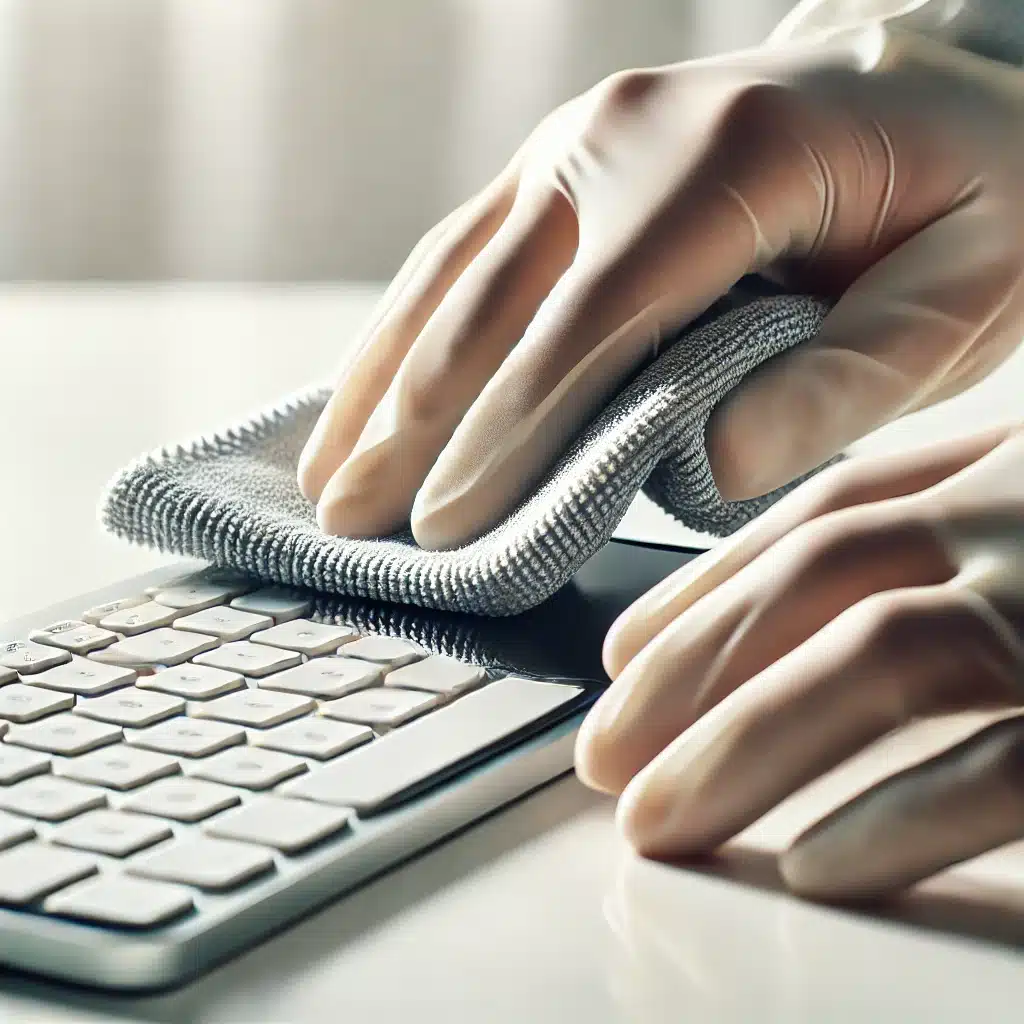
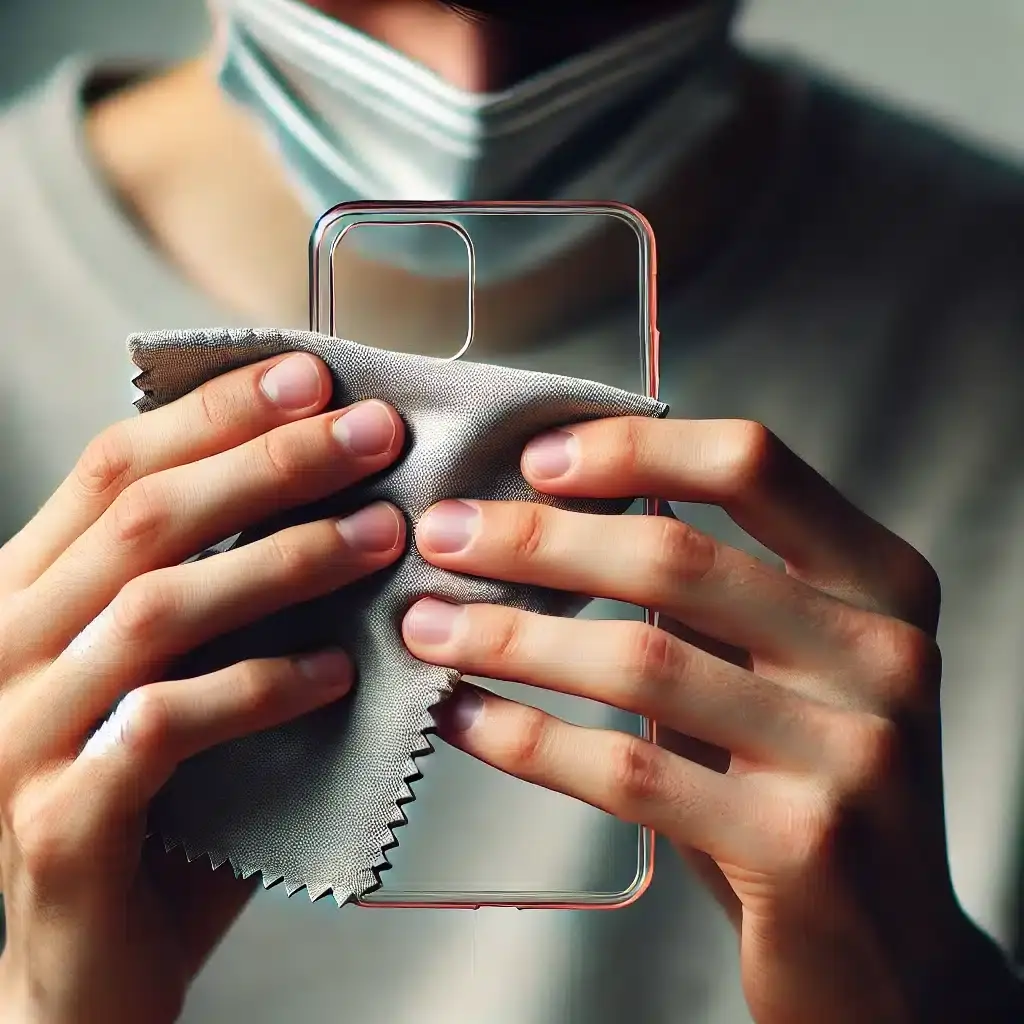
A microfiber cloth is the best tool for removing dust and smudges from clean plastic electronic devices. Unlike paper towels or regular cloths, microfiber does not scratch the surface or leave lint behind. Its fine fibers trap dust and dirt efficiently, making it a reliable choice for everyday cleaning. Regular use of a microfiber cloth prevents the accumulation of grime, reducing the frequency of deep cleaning sessions and preserving the original appearance of your clean plastic electronic devices.
Dust particles tend to settle on the surface of plastic electronic devices, leading to a dull and dirty look over time. By using a microfiber cloth in gentle circular motions, you can lift away dust without causing micro-abrasions. This method is particularly useful for screens, keyboards, and outer casings, as it removes debris while maintaining the smooth texture of the device. Ensuring that your microfiber cloth is clean before each use is also crucial to avoid transferring dirt back onto your devices.
In addition to dust removal, a microfiber cloth is effective in tackling fingerprints and smudges. Oils from hands can create streaks on plastic surfaces, making them look unclean. Lightly dampening the cloth with water or an electronic-safe cleaning solution enhances its ability to break down oils and restore the sleek finish of your clean plastic electronic devices. By incorporating this simple yet effective cleaning routine, you can keep your devices looking polished and well-maintained for longer periods.
2. Choose Isopropyl Alcohol for Stubborn Stains
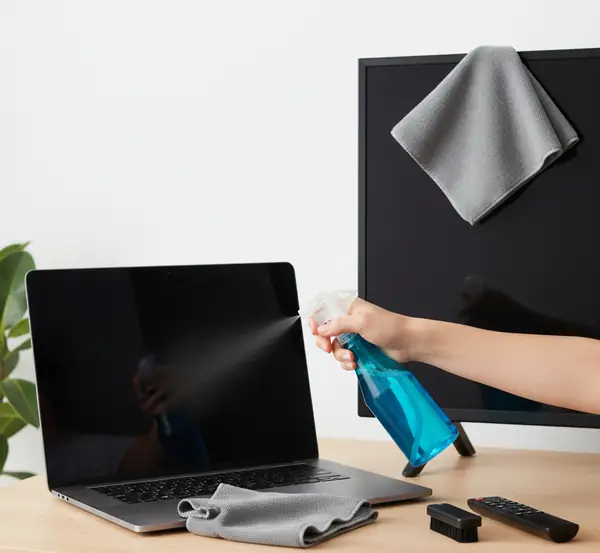
For tough stains and grime, use isopropyl alcohol with at least 70% concentration. Dampen a microfiber cloth with a small amount and gently wipe the clean plastic electronic surface. Isopropyl alcohol effectively breaks down oils, ink marks, and sticky residues that accumulate over time. However, it is important to avoid oversaturation, as excessive moisture can seep into the device’s internal components, leading to malfunctions or damage.
When using isopropyl alcohol, always apply it to the cloth first rather than directly onto the device. This ensures even distribution and prevents liquid from pooling in crevices or openings. Wipe gently in circular motions to lift stains without pressing too hard on the plastic surface. Allow the device to air dry for a few minutes before powering it back on to ensure all moisture has evaporated.
For persistent stains that do not come off with alcohol alone, repeat the process using a slightly firmer touch. Avoid scrubbing aggressively, as this may cause fine scratches on the plastic surface. A combination of patience and the right technique will help maintain the pristine appearance of your clean plastic electronic devices without causing damage.
3. Compressed Air for Hard-to-Reach Areas
Keyboards, vents, and ports collect dust over time. Using compressed air is an effective way to dislodge debris without causing damage. Hold the canister upright and spray short bursts to avoid moisture buildup inside your clean plastic electronic devices. Compressed air is particularly useful for delicate areas where wiping is not practical, such as USB ports, headphone jacks, and ventilation grilles.
When using compressed air, maintain a safe distance of at least a few inches to prevent excessive pressure from damaging sensitive internal components. Tilting the canister too much or shaking it before use can release liquid propellant, which can cause condensation or leave behind residues. Keeping the canister upright ensures a dry and steady stream of air that effectively removes dust without introducing additional issues.
Regular use of compressed air can significantly extend the lifespan of your clean plastic electronic devices by preventing dust buildup that may interfere with proper airflow and cooling. Integrating this method into your maintenance routine helps keep your devices functioning efficiently, reducing the risk of overheating and performance degradation over time.
4. Avoid Harsh Chemicals and Abrasive Cleaners
Harsh chemicals such as ammonia, bleach, or acetone can degrade plastic and cause discoloration. Stick to mild solutions like isopropyl alcohol and gentle, electronic-safe cleaning wipes to ensure the longevity of your clean plastic electronic devices. Chemical-based cleaners often contain ingredients that react negatively with plastic, leading to cracks, fading, or warping over time.
Abrasive cleaners and rough sponges should also be avoided, as they can leave permanent scratches on the surface of plastic electronics. Instead, opt for non-abrasive materials such as microfiber cloths and soft cotton pads. These tools effectively clean without causing friction that could damage delicate surfaces.
If you need a deeper clean, using a damp cloth with a mild soap solution is a safer alternative. Ensure the cloth is only slightly moist, as excess water can penetrate seams and openings. Wipe the surface gently and dry it immediately with another clean cloth to prevent streaks or water damage. Keeping your cleaning methods gentle and chemical-free will help maintain the integrity of your clean plastic electronic devices for years to come.

5. Always Power Down Before Cleaning
Before starting any cleaning process, turn off and unplug your clean plastic electronic devices. This prevents electrical hazards and protects sensitive components. Electrical currents running through a device while cleaning can pose a risk of short circuits, especially when dealing with liquid-based cleaning solutions.
After powering down the device, remove any detachable parts such as batteries, cables, or accessories. This allows you to clean each component separately and reach hidden areas that may collect dust and grime. Taking apart removable sections also prevents liquid from accidentally seeping into connectors or delicate internal circuits.
Once cleaning is complete, allow the device to dry fully before reassembling and turning it back on. This ensures that any residual moisture has evaporated, reducing the risk of damage. Following this precautionary step each time you clean plastic electronic devices adds an extra layer of protection, ensuring both safety and longevity.
By following these expert tips, you can safely clean plastic electronic devices without causing damage. Proper maintenance helps extend the lifespan of your clean plastic electronic items while keeping them looking new and functioning efficiently.
Clean Plastic Electronics With Toronto Shine Cleaning!
If you prefer professional assistance for maintaining the cleanliness of your home and electronics, consider Toronto Shine Cleaning. Their expert team offers high-quality cleaning services, ensuring your home remains spotless and well-maintained.
Toronto Shine Cleaning specializes in providing top-notch cleaning solutions for residential and commercial spaces. Whether you need deep cleaning or routine maintenance, their trained professionals use safe and effective cleaning techniques to protect your belongings while keeping your space immaculate.
Investing in professional cleaning services like Toronto Shine Cleaning can save you time and effort while ensuring your home and electronic devices remain in pristine condition. Contact them today to experience the benefits of a cleaner, healthier living environment.
Topics